

Running Mac OS X in a Single User Mode allows you to do maintenance and administration tasks which would otherwise be unavailable to a normal user when the computer runs in a multi-user mode.
For example – in a single-user mode you can run the fsck command to scan your disk for any errors, and fix them if any.
It’s important for you to note the following while using single-user mode on your Mac:
- Keyboard layout is set to US English
- Network access is disabled, preventing anyone from accessing your Mac remotely
Many of you may find single-user mode on Mac useful or necessary only while trying to troubleshoot a problem with your Mac’s start-up. However, software developers may find many more uses.
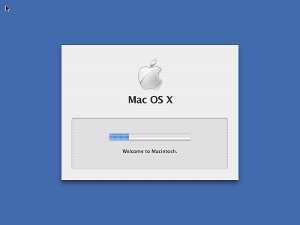
Let’s further see how you can boot Mac OS X in a single-user mode.
- If your Mac is running at the moment, please shut if off.
- Press the power button to start your Mac.
- Immediately after you press the power button, press and hold the Command and S keys simultaneously.
- You should now see white text appear on your screen as you enter the single-user mode.
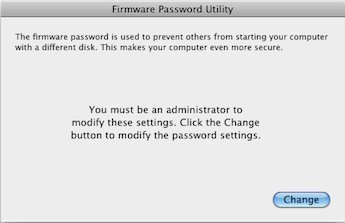
If you are not able to enter the single-user mode, it is possible that the Open Firmware Password Protection is enabled by the Mac’s owner or administrator.
Advanced users should be aware that Mac OS X does not have init states, as it is based on BSD Unix, not on System V Unix. To get out of the Single User Mode just type the “reboot” command and press enter to reboot the machine.
It is also possible to exit the Single User Mode by typing “exit” and pressing enter, but that will boot Mac OS X in safe mode, which means limited functionality. You still have to reboot to get back into the normal mode with full functionality.

Follow Us!