

It is quite important to know which version of Java is installed on your computer, especially if you are developing applications and software on the Java platform. Using an outdated version of Java may hinder your Java development or even render web pages inappropriately in your browser.
Below are few straightforward ways to check which version of Java is installed on your computer.
Command Line
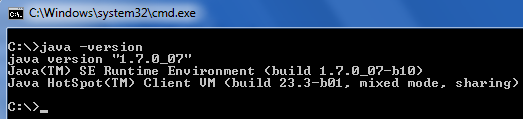
Open Command Prompt and type in the following command: java -version
Upon successful execution, the command will output the version of Java along with Java SE Runtime Environment’s build and Java HotSpot Client VM’s build.
Over the Internet
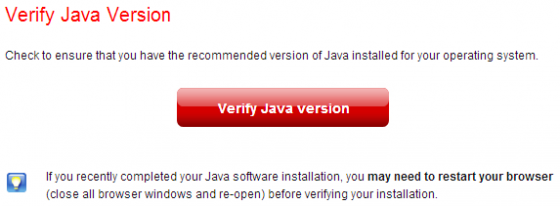
The official Java portal provides an online tool to check Java version installed on your computer. Open the browser and go to http://www.java.com/en/download/installed.jsp. Click Verify Java Version.
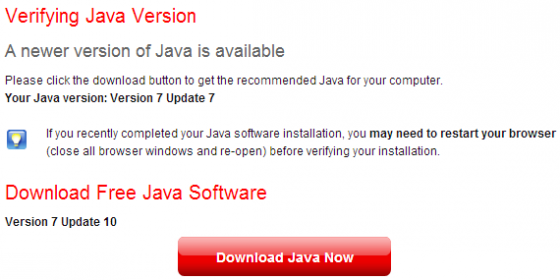
The browser will probably ask for your permission to run, do allow. Upon completion, the web page will show your the current Java version and also notify you if there’s a newer version available (along with a direct download button).
Control Panel in Windows
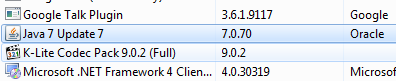
Similar to any normal application in Windows, Java installation is also displayed in the Control Panel. Open Programs and Features from the Control Panel. In the list, you should see Java listed along with its version under the Version column.
Follow Us!