

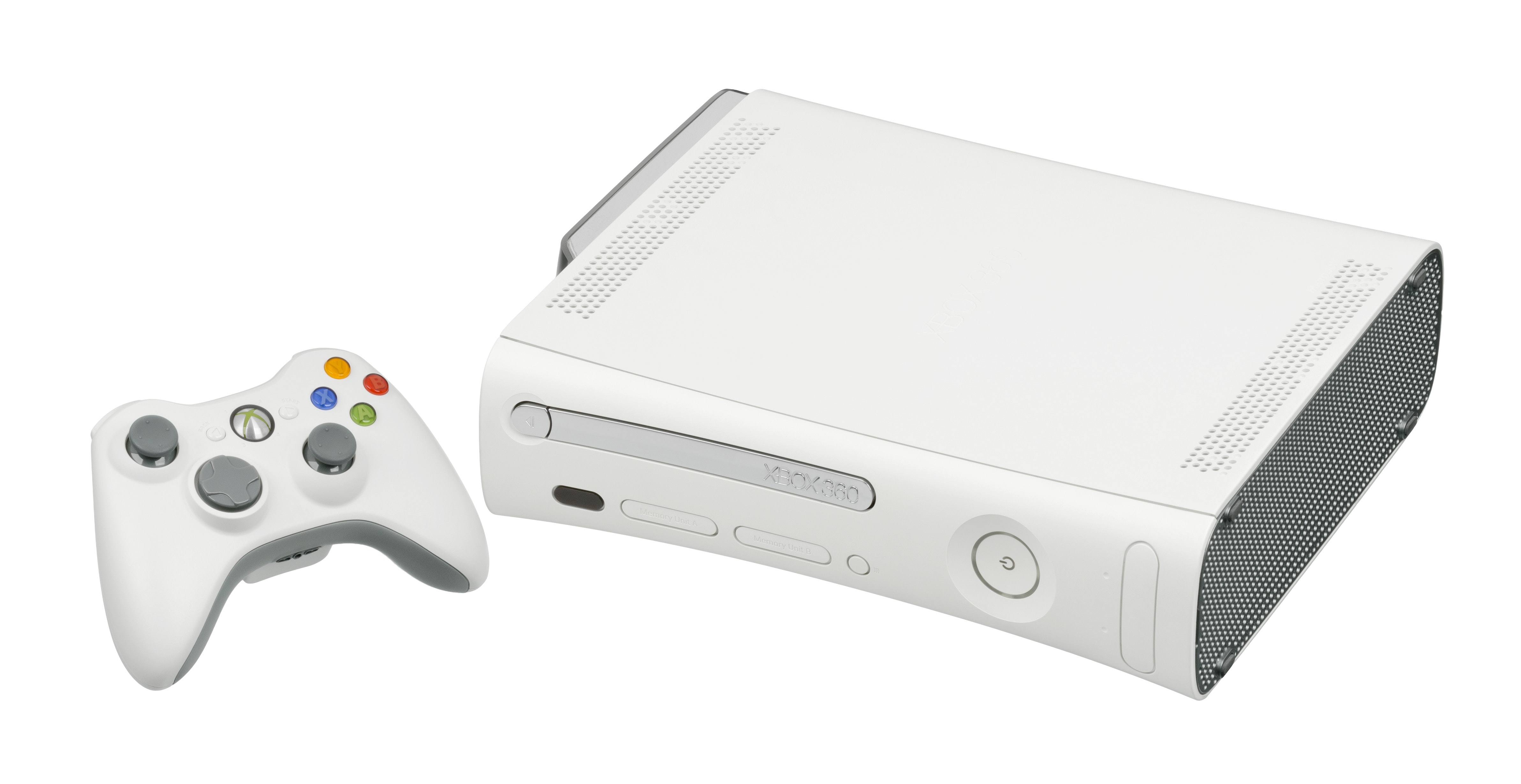
There are many reasons why someone might want to reset their X-Box 360. The first might be because their display settings have become warped and they want to get back to the previous settings that worked. Or, they might have installed something onto the console and now it is not running properly. And, no matter how hard you try, you simply cannot remove it from the system. Both issues can be easily fixed.
X-Box 360 Default Display
If there is a disc in the 360, remove it. Then turn off the 360 and allow it to completely shut down. Treat it like a computer. Don’t turn it off and then on right away. Give it a few seconds to really power down. Once it is off, use your 360 controller to turn it back on by pressing the middle button. If there are multiple controllers connected, use the player one controller. When the system turns on, immediately press the right trigger–not to be confused with the right button–and press the Y button. Press these at the same time through the 360 logo and the system will restart again. The display settings will be reset.
Factory Restore of X-Box 360
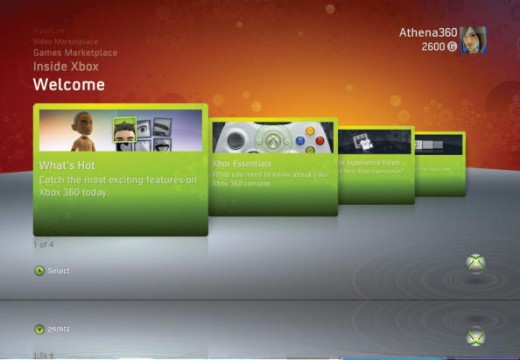
To do this, what you’re going to want to do is clear out your hard drive. When the dashboard loads, go to the memory section and select storage devices. When this page loads, select the hard drive feature and press the Y button which is the yellow one. Once you do this, it will ask you if you want to configure the hard drive. If you hit yes, everything will be wiped and it’ll be brand new. Hit the yes button and then reset the system.
Once you’ve done this, go to the Network section and scroll to the bottom to reset the factory settings for your network connection. After this is done, you can reinstall your gamer tag and get the updates from X-Box Live all over again. But, the problem file that was preventing your system from working properly will be gone.
Melissa Sue Newberry
My xbox hasn’t been working right somehow it down graded itself and isn’t working like it was and I can’t seem to fix it.. I don’t have internet and can’t make a disk for it and do not want to have to buy a new 360
Please help
Philip Woodard
These instructions are not working. When I choose format, it doesn’t prompt me to enter the serial number. It says it is formatting, then goes back to the prior screen and nothing has changed. All data is still on the hard drive. What do I do?
di
I have just cleared all memory on my kids xbox and gamer tag is there any way I can get it back ooops,
WillSpencer
You can recover your Gamertag from Xbox Live. To do this, sign out from all of your profiles and then select Recover Gamertag.
Woody
Our xbox 360 will not power on. We had a power outage and although the electrical source is now live and all plugs are in, and the controller is working, the unit will not power on. Is there a physical reset button anywhere on the xbox? All the web solutions involve working with the unit when it is on. We can’t get that far.
Thanks–
Tyson Winter
Same with my 360