

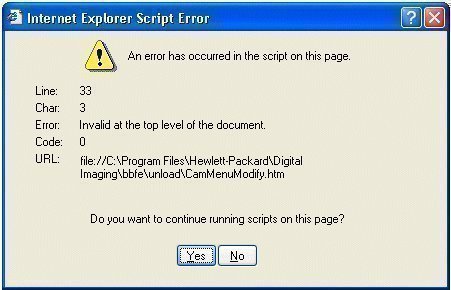
One of the most widely deployed Internet browsers is Microsoft Internet Explorer. The software is bundled with the Windows operating system (OS) and is one of the oldest browsing software brands on the market. A common problem that Windows users face is how to properly deal with Microsoft Internet Explorer not responding while they surf the web despite the ongoing development and upgrades Microsoft Corporation makes to the browser.
How to Fix Microsoft Internet Explorer Not Responding
Step 1 – Select “Start” on the Windows desktop, enter “Run” in the search text field, and click “Enter.”
Step 2 – Type “msconfig” at the DOS command prompt.
Step 3 – Disable all non-essential programs that start upon reboot for the Windows OS except for the computer’s anti-virus or computer security software and save the settings.
Step 4 – Open Windows Control Panel, click “Start,” “Settings,” then “Control Panel” in order to restart the computer.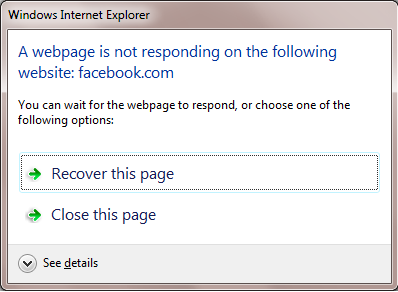
Step 5 – Choose “Add or Remove Programs” then select the “Microsoft Internet Explorer” menu choice.
Step 6 – Choose “Repair Internet Explorer” then click “Ok.” This forces the Windows OS to scan the copy of Internet Explorer installed on the computer for errors and to automatically repair the issues discovered.
Step 7 – After Windows is repaired, double click the “MY Computer” icon on the computer’s desktop.
Step 8 – Right-click the “C” drive on the computer and choose the “Defragment” menu option. If the computer’s hard drive was not defragmented recently, this step may take several hours to complete. This step should be completed for each hard drive installed on the computer.
Step 9 – Restart the computer and Internet Explorer will respond normally. After a successful operational test, consider adding third party applications to the computer’s start-up options in single additions. If the issue recurs, remove the program from the start-up list of applications.
walid khoury
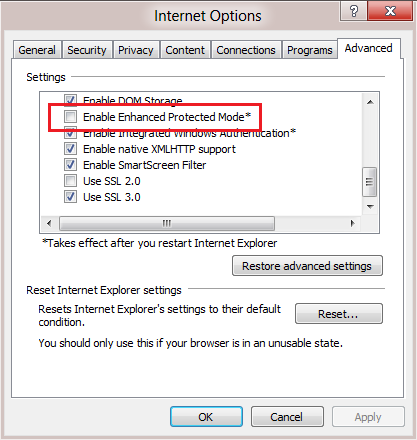
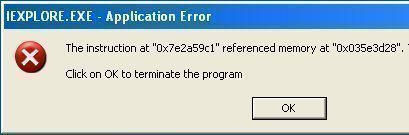
when i try to open any site using my internet explorer browser, after 15 seconds it appears many warning saying: cannot find htpp://!”/’,make sure the path or internet address is correct, that causes my pc to come slow and the memory is spent by these warnings!
how can i resolve this problem, waiting for your answer in easy vocabulary, regards