RSS Feed

Microsoft Remote Access

How to Use Remote Assistance

How to Use Remote Assistance

What is Remote Assistance
Remote Assistance is a program in Windows that allows a user to connect to another user's computer and communicate with that user, share files, and take control of the user's computer if given permission.

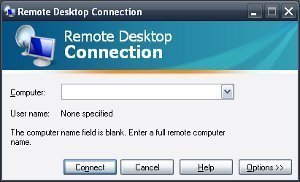
How to Use Remote Desktop

How to Use Remote Desktop

Remote Desktop is a Microsoft collaboration software program that is designed to allow computer users to connect to other computers across the Internet. The application can be used to connect to your home computer while on the road, or to allow technicians troubleshoot issues from a remote location.

Using Connection Manager

Using Connection Manager

Connection Manager Overview
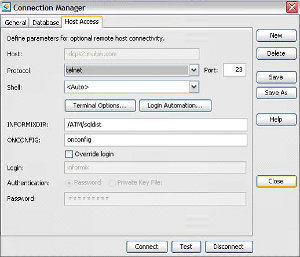
If you want to configure clients to connect to a RRAS server, you can use the Connection Manager to do this.

Securing Remote Access and VPN Servers

Securing Remote Access and VPN Servers

Remote Access and VPN Server Security Issues
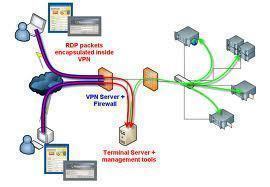
Remote Access Servers (RAS) provides access to the network for remote users. The different types of remote access connections are Dial-in remote access, VPN remote access, and Wireless remote access.

Remote Server Management

Remote Server Management

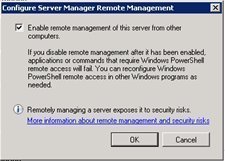
An Overview on Remote Server Management
In enterprises that need a secure environment; servers and desktops are usually managed remotely. Administration is hardly performed by logging on to the local console. Remote management or administration is not a new notion, and is used largely to manage servers and desktops.

Remote Administration

Remote Administration

Remote Administration Overview
When it comes to administering servers and desktops in secure organizations or large organizations, administrators would typically be found performing remote administration.

Remote Access Security

Remote Access Security

Remote Access Security Overview
To protect your corporate data from attacks from intruders and from being accessed by unauthorized users, you need to plan for and implement remote access security. You should authenticate remote access clients attempting to establish a remote connection with the remote access server.

Planning a Remote Access Strategy

Planning a Remote Access Strategy

 
Remote Access Overview
Dial-up networking allows a remote access client to establish a dial-up connection to a port on a remote access server. The configuration of the DUN server determines what resources the remote user can access.

Routing and Remote Access Service

Routing and Remote Access Service

Routing and Remote Access Service Overview
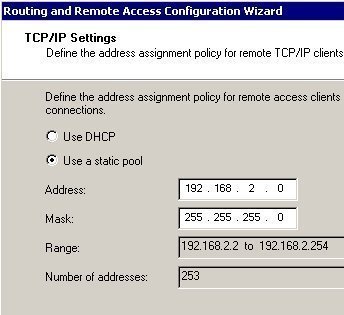
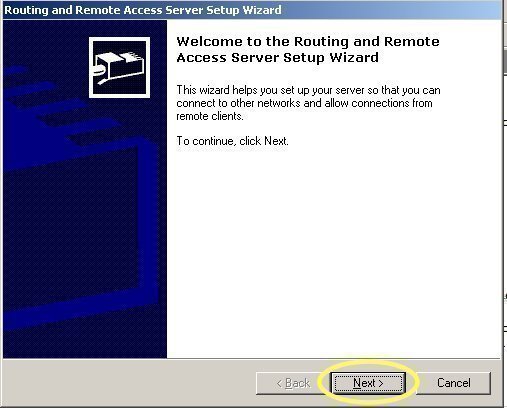
The Routing and Remote Access service (RRAS) is a multi-protocol software router integrated in Windows 2000 and Windows Server 2003 that provides connectivity for remote users and remote offices to the corporate network.

Implementing Remote Access Security

Implementing Remote Access Security

How to configure which authentication protocols the remote access server should support

Click Start, Administrative Tools, and then select Routing And Remote Access to open the Routing And Remote Access console.