

There are two common reasons why MySpace members need to unlock MySpace. Either they have forgotten their MySpace password or their access to MySpace has been blocked by a web content filter such as WebSense. Both problems are easily remedied.
Resetting Your MySpace Password
If you are locked out of MySpace because you lost your MySpace password, you can reset it by using this form.
Just enter your email address in that form and your password will be sent to you.
Once you have your new password, it is a good idea to login to MySpace and change your password.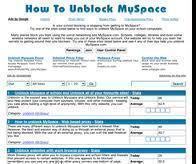
Getting Around a Web Content Filter
If you are locked out of MySpace because of a web content filter, all you need to do is visit our proxy list to find a proxy which is not blocked by the filter at your school. Check the list of proxies, select the one that isn’t blocked on your network and access MySpace by typing MySpace URL into the textbox provided on the proxy website.
Daniel Memenode
Originally posted by angryman: “x.x i keep getting proxies that save java script required to use any of the stuff and that it needs to be turned on and i found another proxy that let me use myspace and everything but wouldnt work properly because of how it would go back to the proxy page whenever i tried to look at my mail, IM, or play a game or something on it so all i could do was basicly look at the main page of my sign in =/”
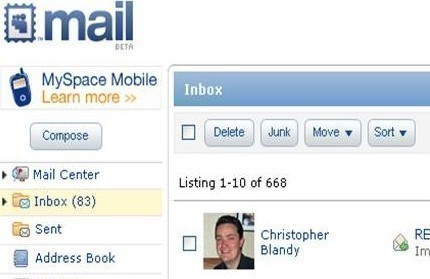
Check out the MySpace proxy page. The proxy you’re using probably doesn’t support javascript which is why pages depending on it don’t work properly (like IM, email etc.).
According to that you should be looking for a CGI proxy.
Also, it is recommended you use Firefox with proxy sites.
angryman
x.x i keep getting proxies that save java script required to use any of the stuff and that it needs to be turned on and i found another proxy that let me use myspace and everything but wouldnt work properly because of how it would go back to the proxy page whenever i tried to look at my mail, IM, or play a game or something on it so all i could do was basicly look at the main page of my sign in =/
Will.Spencer
The problem is that the filters prevent you from getting to the proxy. No matter how good the proxy is, it’s of no use to you unless you can get to it.
That’s why we publish a constantly updated list of new and unblocked proxies (Reply
chris
you ought to have someone create a proxy site that will bypass any of todays modern filters that the schools are using. I would do it myself, but im not that good with computers.8)