

A PDF (Portable Document Format) file is a word processing document in which text, images, and notes can be organized and displayed in the form of an electronic book. PDF files allow users to highlight text, organize content in the form of page numbers and chapters, and insert notes, fonts, and images. They differ from other word processing document types due to their lack of dependency on any particular application, software, or operating system. Adobe Systems created the PDF format in 1993 and it has been in popular use ever since. PDF files can be quite large and, therefore, may not be attached to emails, uploaded to the Internet, or shared in the same way as other files if they are not compressed.
WinRAR
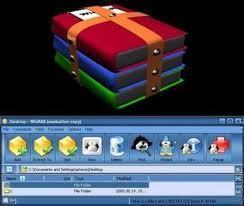
Like other files, PDF files can be compressed and encrypted by archiving software like WinZip and WinRAR. While WinZip is a commercial software that must be paid for, WinRAR is a completely free, open source and is not solely dependent on the Windows Operating System. WinRAR can compress a PDF file up to 60% of its original size, encrypt it by protecting it with a password, and archive one or more PDF files in any one of over twenty different file extensions. However, a PDF file that WinRAR compresses can only be extracted via WinRAR or another compression program that is designed to handle the same file extensions. Because of this, the user must ensure that the PDF file can be extracted on the device that it is being sent to.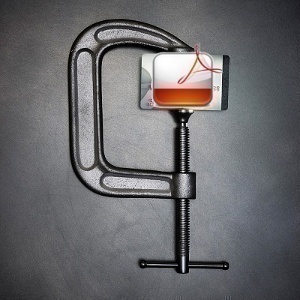
Minimize Fonts and Embedded Objects
Without using WinRAR or other compression software, users are still able to minimize the size of a PDF file by minimizing the amount of fonts and other objects that are embedded in the PDF file. While users may not think that fonts make a difference because they are simply text, each font requires additional memory in order to display all of its characters. In fact, each font that is included in a PDF file can double or even triple the size of the overall file. Likewise, embedded objects such as tables, notes, and images make the file even larger by accumulating many different files into one. By minimizing the number of unnecessary fonts and embedded objects within a PDF file or sending them separately, the user can dramatically decrease the PDF file’s size.
Follow Us!