

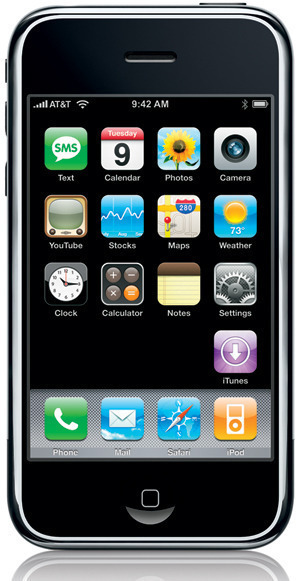
The iPhone has become one of the most purchased mobile phones over the past several years. The phone’s home screen includes a number of free, pre-installed applications. Unfortunately, there is no mechanism in place to hide any undesirable, built-in iPhone apps. A common desire for many iPhone users is to hide under-utilized iPhone apps. If the phone is not jailbroken, the option to move undesired apps to the phone’s last home page is available. This will prevent apps from being viewed when the phone is in use. Jailbroken phones can make use of the “Poof” app provided by Cydia to hide app icons.
Steps to Hide iPhone Apps Without Jailbreaking Your Phone
The low-rent way to hide iPhone apps is to simply move the undesired apps to the last home page on the phone so that they are not immediately displayed when the phone is in use.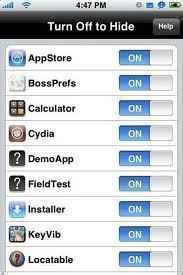
Step 1 – Press and hold a single iPhone app icon until all of the icons on the screen start to “wiggle.”
Step 2 – Press the icon to be moved and drag it to the backup screen. Repeat this process until all undesired iPhone apps are moved to the backup iPhone home screen and out of the default view.
Another way is to create a folder by dragging and dropping two apps you want to hide onto each other, and placing all apps you wish to hide into that folder. This folder can then be moved to the last home screen so it doesn’t show immediately.
Hide iPhone Apps with a Jailbroken iPhone
Step 1– Download the “Poof” app from Cydia.
Step 2 – Launch the “Poof” app and toggle the view on the Poof menu for the apps that will not be displayed on the iPhone.
Step 3 – Exit the Poof app and the iPhone apps selected will not be visible on the phone.
*Note: this option requires the phone to be jailbroken or otherwise unlocked.


Lisa Wheeler
Update to this now: in iOS7, you can hide some of the built-in apps on the home screens by changing what you allow in Settings -> General -> Restrictions.
แบตสำรอง
Thank you very much. This is an eye opener~~