

Usbehci.sys is a USB controller driver for Windows XP Service Pack 1. Usbehci.sys is a required file that manages USB ports and Plug-and-Play services. While Usbehci.sys should be included in any Windows Operating System installation, this file is often missing and may prevent the user from installing Windows XP properly. Usbehci.sys runs exclusively on the Windows Operating System and can be found in the Drivers subfolder of the primary hard drive’s System32 folder.
How Usbehci.sys Works
Usbehci.sys is the software component that allows the computer to run its USB ports and recognize USB-based devices that are connected to it. If Usbehci.sys is missing from the computer, the user may not be able to install the Windows Operating System properly, make repairs to it, or use the USB ports. If Usbehci.sys is not included in the Windows XP Service Pack 1 or Windows Operating System installation disc, the copy of either of these services is most likely corrupted or faulty.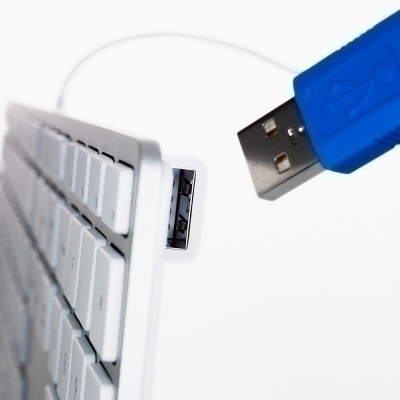
Is Usbehci.sys Harmful?
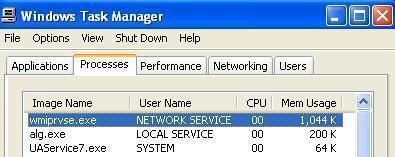
Usbehci.sys is not a harmful program, but rather a critical component of the Windows Operating System. However, if the user downloads Usbehci.sys as a stand-alone file, it may be corrupted or infected with malicious software such as trojans, worms, or spyware. Users should be careful when downloading such files and should always scan the file with an anti-virus software immediately. Users should also note that Usbehci.sys is not a process and, therefore, should never be found running in the Task Manager’s Processes tab. If it is found there, the user should assume the file is a malicious program and remove it immediately with an anti-virus software such as Spyware Terminator, Advanced SystemCare, or Malwarebytes’ Antimalware.
How to Replace Usbehci.sys
If Usbehci.sys is missing from Windows XP Service Pack 1 or the Windows Operating System installation disc, the user can easily replace the file by downloading a copy of it from the computer manufacturer. The computer manufacturer will often have a Downloads section on its website. Usbehci.sys can be found in the Drivers or USB Drivers category. Once the user has obtained a copy of Usbehci.sys, he/she can place it in the Drivers subfolder of the primary hard drive’s System32 folder, which can be found at C:\Windows\System32\drivers. The user can then reinstall Windows XP Service Pack 1.
Follow Us!