

Solaris makes it unreasonably difficult to change an installed server’s hostname.
To change the hostname on a Solaris system, edit all of these files:
- /etc/hosts
- /etc/nodename
- /etc/hostname.*
- /etc/inet/ipnodes
When file editing is complete, reboot the server to test the changes and ensure that they operate correctly.
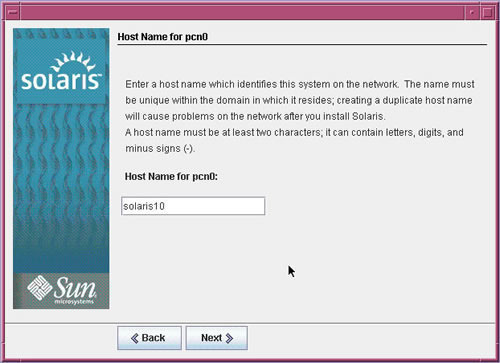 Note that changing the hostname only changes the name by which the machine refers to itself. This does not change the DNS name or names of the host.

Augie
Hi
Finally i got the answer for the default home directory
vi /usr/sadm/defadduser
Augie
Hi
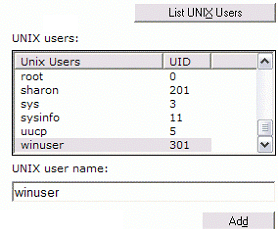
On Solaris 10 , i would like to create a User and the Home directory is /TEST
whenever i use the Command to create a user with the command
useradd <name>
the Home directory is /export/home
i need a command so the default home directory of the User goes to /TEST
Thanks in Advance
memenode
Have you tried looking at man useradd? It might list how to use the command to specify a home directory. Maybe it’s useradd -d /home/directory username
Cliff
use # usermod -d /TEST -m <useracct>
Dave Abrahams
On Solaris 11, /etc/inet/ipnodes is the same as /etc/hosts. Getting better all the time…
Ryan N.
That was true of 10 also, unless perhaps you upgraded from a version that did not do that.
Amanda
In Solaris 10 (and maybe older ones, not sure how far back this goes), I found that
# /etc/net/ticlts/hosts
# /etc/net/ticots/hosts
# /etc/net/ticotsord/hosts
are not necessary to edit. When you enter the file it says these are no longer consulted and will be removed from future versions. The others should suffice.
memenode
Thanks Amanda, I edited those out. Good to hear it’s improving, but that still leaves quite a few files to edit. In Linux I think it’s just one file.