

Adware is a close relative of spyware. Adware is software that is installed on your computer to show you advertisements.
Adware can slow your PC by using RAM and CPU cycles. Adware can also slow your Internet connection by using bandwidth to retrieve advertisements. In addition, adware can increase the instability of your system because many adware applications are not programmed well.
In addition, adware can annoy you and waste huge amounts of your time by popping unwanted ads onto your screen, which require you to close them before you can get back to using your PC.
Good Adware vs. Bad Adware
Not all adware is bad. Many useful programs are able to be distributed for free because the ads they display pay for their development. The Opera web browser and the KaZaA peer-to-peer file sharing clients are good examples of such applications.
Good adware only installs itself on your system if you give it permission to do so. Bad adware installs itself without your permission.
Good adware allows itself to be un-installed, often through the Add and Remove button in the Microsoft Windows Control Panel. Bad adware makes it difficult or even impossible for you to uninstall it.
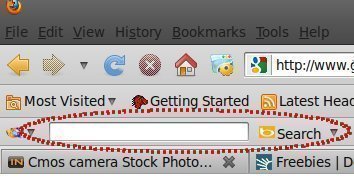
Good adware displays unobtrusive ads inside the applications which it comes packaged with. Bad adware installs itself within other applications and often hijacks your web browser settings to display more ads.
Adware vs. Spyware
Spyware is a close relative of adware. Spyware is software which is installed on your computer to spy on your activities and report this data to people willing to pay for it.
Spyware usually collects this data with the purpose of telling advertisers what types of goods and services you are likely to purchase.
Warning: Before You Remove AdWare
Note that if you choose to remove adware, some shareware programs which you installed may refuse to function. Shareware authors are sometimes paid to include these adware packages with their software.
By running adware, you can think of yourself as supporting the shareware author. Or, you could send them a few bucks and keep a clean machine.
Removing Adware
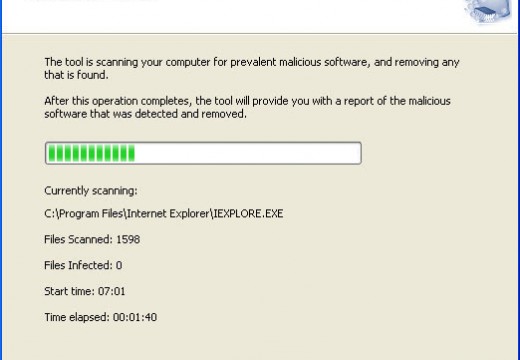
Most software which removes spyware will also remove adware.
Recommended adware removal packages include AdAware, Spybot Search & Destroy, and SpySweeper.
Follow Us!