

A common problem that Windows Vista users face is getting the “COM Surrogate Has Stopped Working” error message whenever a folder that contains multimedia or video files is opened. COM components that third party applications that are not fully compatible with the Windows Vista (and other versions of the Windows platform) install normally cause this error. Some applications that have been known to cause the error include DivX and Nero. There are a number of solutions that have been found to solve the error depending on the specific build of Windows and the version/type of multimedia software installed on the computer.
Solutions to Fix the COM Surrogate Error
The following solutions should be attempted sequentially and tested before proceeding to the next option.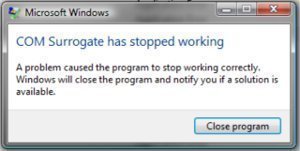
Solution #1 – Search for the Vista Codec package that Microsoft deployed to update all video codecs on the computer.
Solution #2 Turn off Data Execution Prevention on the DLLHost (the COM Surrogate on the computer)
Step 1 – Right click “My Computer” and select “Properties.”
Step 2 – Select “Advanced System Settings” and click “Settings” under the “Advanced” menu tab.
Step 3 – Choose “Data Execution Protection,” then click “Turn on DEP for all programs and services except those I select.”
Step 4 – Select “Add” and “c:windowsSystem32dllhost.exe” in the file chooser, then click “Open” and “Ok.”
Step 5 – Exit the active Window and the COM Surrogate error should be corrected.
Solution #3 – If there is a third party multimedia application such as Nero or Divx on the computer, visit the company's website and download/install the software's latest version. After the installation is complete, restart the computer.
Solution #4 – If Nero is installed on the computer, change NeVideo.ax file to NeVideo.ax.bak and NevideoHD.ax to NeVideoHD.bak if the problem persists after the application is updated. This will stop Nero from running, but will identify the application as the reason for the COM Surrogate error.
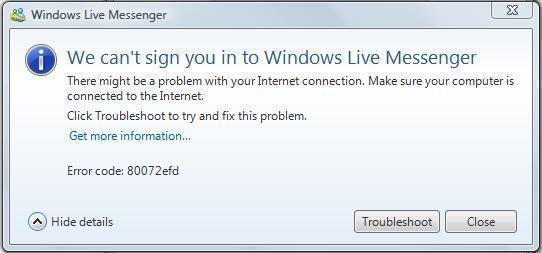
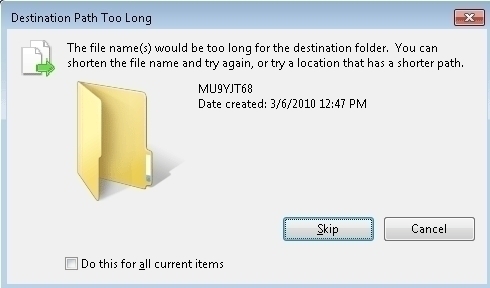
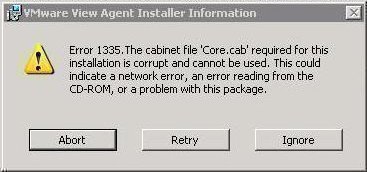
rejohn
try using Long Path Tool, it works.